


Fleet management software is worth paying for when it saves you more time and money than it costs, and for a small rental business that point arrives later than most sales pages suggest. With two cars, a calendar and a spreadsheet can be enough. With six cars on two platforms and a few direct renters, small misses start to add up.
This guide covers which features matter for a small rental fleet, which ones you can skip, the rules around GPS tracking and the questions I'd ask before signing up for anything. A quick disclosure first. The author is building FleetsMerica, a fleet management tool for rental owners. That's why this article compares features in general terms instead of recommending a product, including ours.
Do you need fleet management software yet?
Software doesn't fix a messy process. It speeds up a process you already have. Before you compare tools, it's worth being clear about what's actually going wrong.
Signs your spreadsheet has stopped working
You've missed an oil change or inspection because nobody noticed the mileage.
You can't say which car made the most profit last month without an evening of work.
Toll charges or fuel reimbursements slip past the deadline to bill the renter.
You keep booking dates across platforms by hand and worry about double bookings.
Receipts live in your email, your car and your camera roll.
If two or more of those sound familiar, it's time to look. If none do, keep your money for now.
A rough rule by fleet size
This is my opinion, not an industry standard. With one to three cars, a well-kept spreadsheet plus calendar reminders usually does the job. Around four to ten cars, a tool that combines bookings, maintenance and expenses starts to earn its fee. Past that, you'll likely want team access, telematics and reporting that a spreadsheet can't offer.
Core features a small rental fleet actually needs
Most products list dozens of features. For a small rental fleet, a handful do most of the work. Here's what I'd put at the top of the list.
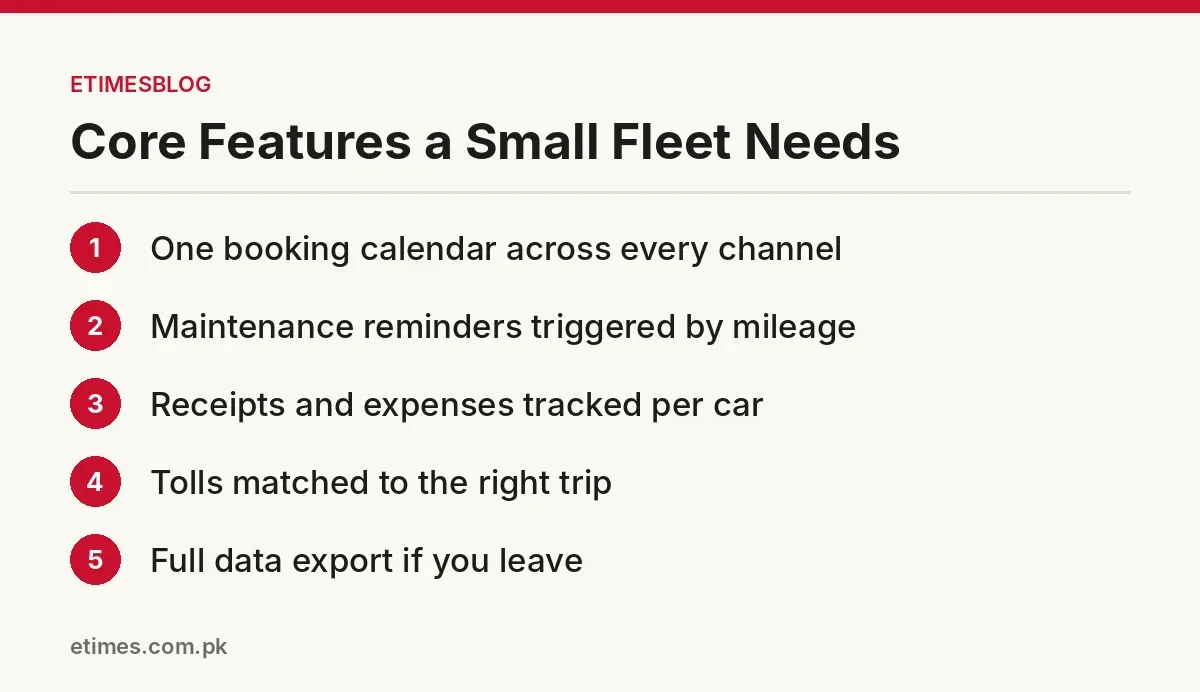
One booking calendar for every channel
If you rent through more than one platform or take direct bookings, you need one place that shows which car is out, which is due back and which has a gap. Ask how the tool gets booking data. Some connect through official integrations, some rely on calendar feeds and some need you to enter trips by hand.
Maintenance reminders based on mileage
Date-based reminders are easy to build. Mileage-based maintenance reminders are what rental cars need, because two cars can cover very different distances in the same month. The best setups pull odometer readings from a telematics device or the car itself, so you aren't typing them in. Pair this with a regular recall check, which our guide to rental car maintenance walks through step by step.
Expense tracking and profit per car
Good expense tracking lets you attach receipts to a specific car and see what each one earns after costs. That's the number that tells you whether to keep a car, raise its rate or sell it. It also feeds directly into rental car pricing, since you can't set a profitable daily rate without knowing what the car costs you.
Tolls, fuel and trip charges
Tolls are a classic leak. If you pay them yourself and bill renters later, you need a way to match each toll to the right trip and send the charge before the platform's deadline. Look for support for toll reimbursements that matches charges to trip dates automatically, or at least exports a clean list you can submit.
GPS tracking and telematics: useful, but follow the rules
GPS tracking helps with mileage, theft recovery and late returns. It also comes with rules from platforms and, in some states, the law. Treat tracking as a tool for protecting the car, not for watching the renter.
What Turo's tracking policy says at the time of writing
Turo's vehicle tracking and technology policy for hosts allows GPS, OEM and telematics devices. At the time of writing (October 2026), it requires explicit written consent in Turo messaging before you switch on any device that records the interior or audio. It also says using AirTags as an active tracking device is prohibited.
For US vehicles with a fair market value of $125,000 or more, the policy requires an activated OEM tracker. Without one, Turo may withhold up to 20% of covered damages above the plan's damage responsibility. The policy also says failing to provide requested vehicle data can reduce or void protection, which matters if you ever deal with a claim.
Turo's host deals page lists telematics and fleet tools such as Zubie, Bouncie, Standard Fleet and PassTime. It also notes that Turo can't troubleshoot third-party tools, so support comes from the provider.
State law and privacy
Some states limit how rental companies can use tracking data. California's Civil Code section 1939.23, as shown on FindLaw, generally bars rental companies from using electronic surveillance data about a renter's use of the car, with exceptions. These include locating a stolen or unreturned vehicle and responding to a subpoena or warrant. It also says a company can't use the technology to track a renter in order to impose fines or surcharges.
The FTC has also warned about location data. In a May 2024 post, its staff described a car's precise location data as sensitive and said the simplest way to avoid harm is not to collect sensitive data in the first place. My take: pick software that lets you limit what's collected, and only use location data for the reasons you've told renters about.
Ask how the software gets its data
Many fleet tools for car sharing hosts depend on data from the platforms. That connection can change. In 2023, TechCrunch reported that Turo planned to block access for third-party fleet services such as CarSync and Fleetwire, citing potential security risks. Hosts who depended on those tools had to rethink their workflow.
The lesson isn't to avoid third-party tools. It's to ask each vendor how they connect to the platforms you use and what happens if that connection stops. A tool that still works for maintenance, expenses and tracking when a booking sync fails is a safer bet than one that does nothing without it.
How to compare tools without being sold to
Demos are designed to impress. Your job is to test the boring parts you'll use every week, with your own cars and real data.
Questions to ask in a demo or trial
How does booking data get in, and what breaks if a platform changes its access?
Can reminders trigger on mileage, not just dates?
Can I export all my data, including receipts, if I leave?
What tracking data is collected, and can I switch parts of it off?
Is pricing per car, per user or flat, and what happens as I add cars?
Who answers support questions, and how fast?
Worked example: does it pay for itself?
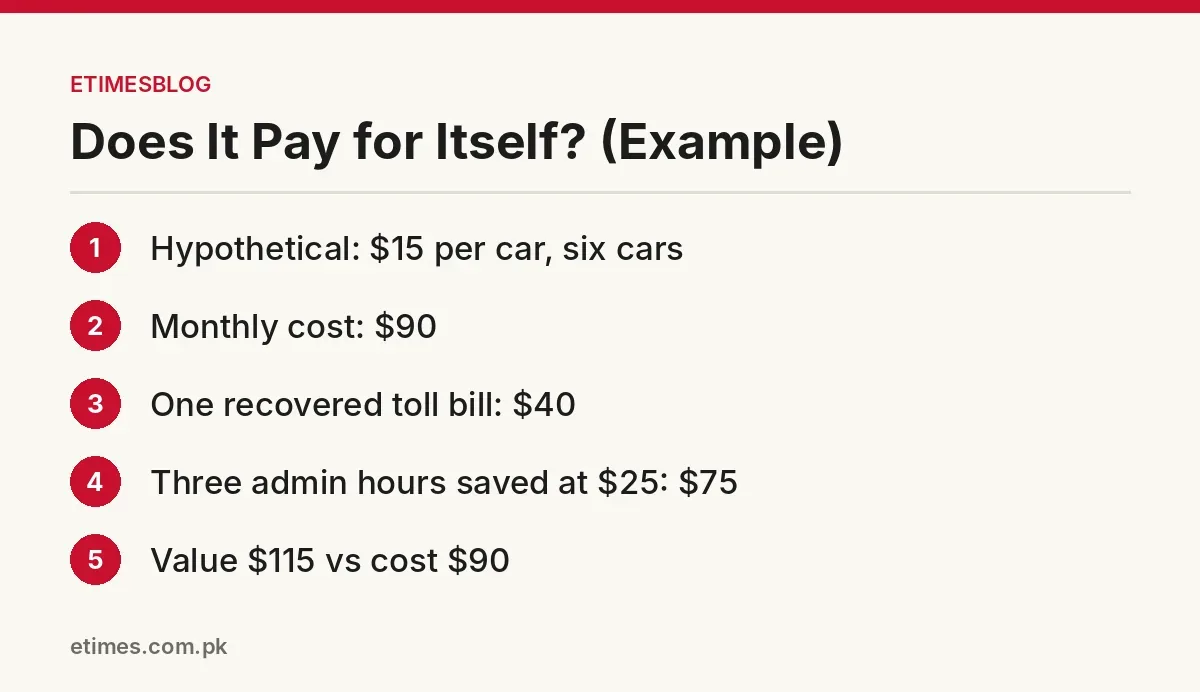
Here's a hypothetical example, so swap in your own numbers. Say a tool costs $15 per car per month and you run six cars. That's $90 a month.
Now say it catches one missed toll bill worth $40 and saves you three hours of admin a month, which you value at $25 an hour. That's $115 of value against $90 of cost. If it doesn't clearly beat its price in a trial month, it probably won't later either.
Common mistakes
Buying for the fleet you hope to have. Pay for what you need now and upgrade later.
Skipping the data export question. Your records should leave with you.
Collecting every data point. More tracking means more privacy risk, not more profit.
Half-adopting it. If half your receipts stay in email, the profit reports will be wrong.
For more on running cars as a business, browse our fleet management articles or read about who writes ETIMESBLOG.
FAQ
What is fleet management software for a rental business?
It's a tool that keeps bookings, maintenance, expenses and often vehicle tracking in one place. For rentals, the useful parts are mileage-based reminders and per-car profit reports.
Do I need GPS tracking on my rental cars?
Not always. At the time of writing, Turo requires an activated OEM tracker on US cars worth $125,000 or more. For other cars it's a choice, but disclose it and follow your state's rules.
Can I use fleet software with Turo?
Many hosts do, and Turo's deals page lists several tools. Ask each vendor how it connects to Turo, because platform access can change.
Final thoughts
The right fleet management software is the one you'll actually keep up to date. Start with your biggest leak, whether that's missed services, lost tolls or not knowing which car makes money. Pick a tool that fixes that problem, test it with your own fleet for a month and keep your data exportable.
This is general information, not legal, tax or insurance advice. Check the official terms for your situation.
ETIMESBLOG is independent and not affiliated with or endorsed by Turo or the other platforms and vendors mentioned. As disclosed above, the author is building FleetsMerica.


Comments